
FEATURES
Everything You Need to Bring Your Drawings to Life
Animation starts with a drawing. Then another.
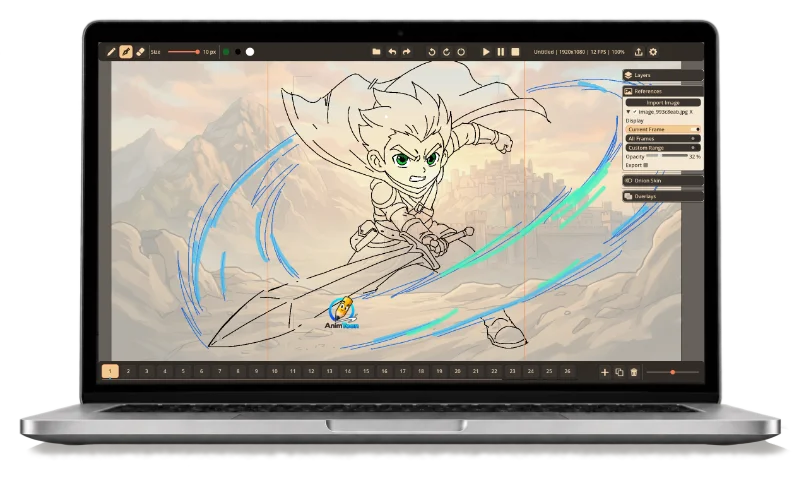
AnimToon brings together the essential tools of traditional frame-by-frame 2D animation in a workspace built around drawing, timing and movement.
01
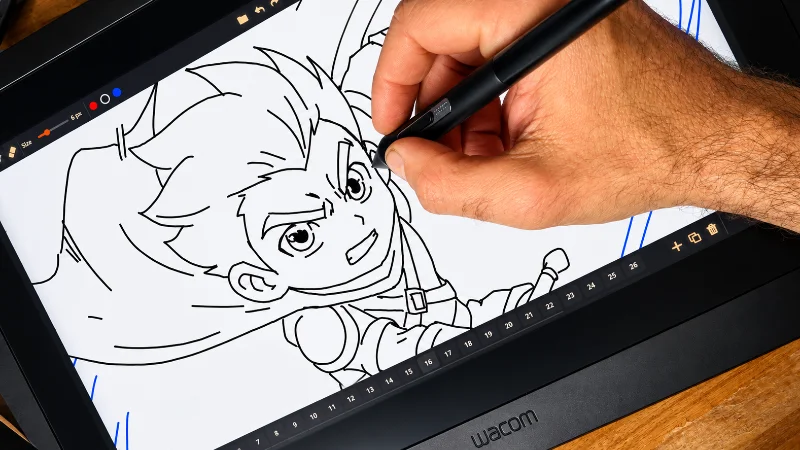
Draw Naturally
Your ideas start with a line. AnimToon lets you stay with it.
Sketch your first poses, explore movement and refine your drawings with tools designed for styluses, drawing tablets and pen displays.
Keep your rough ideas separate from your clean lines with dedicated Sketch and Ink layers, so you can move naturally from the first gesture to the finished drawing.
Draw first. Think about the software later.
02
Animate Frame by Frame
One drawing at a time. That’s where movement begins.
Create a frame. Draw the next pose. Duplicate it, change it, add another.
AnimToon’s timeline is built around traditional frame-by-frame animation, making it easy to create, organize and move through your drawings as your animation takes shape.
Press play whenever you want to see those individual drawings become movement.
03
Onion Skin
See where your character was — and where they’re going.
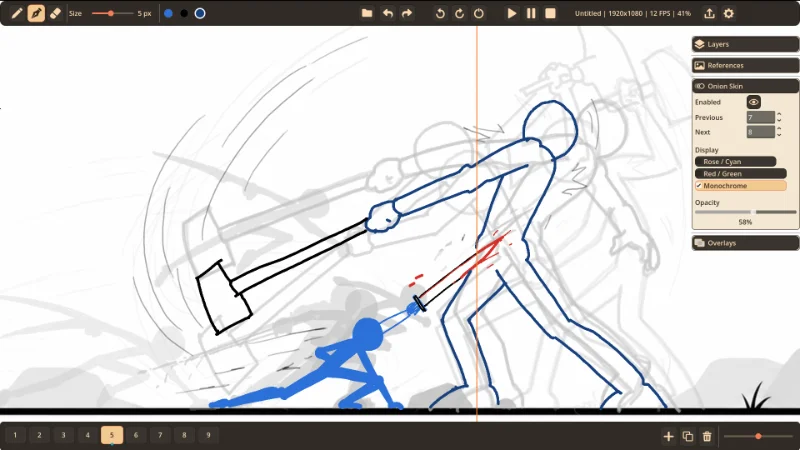
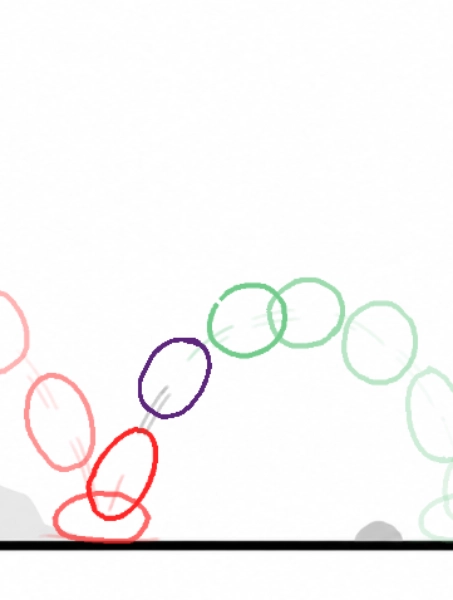
Onion Skin lets you see surrounding drawings while working on the current frame, helping you judge spacing, pose changes and arcs from one frame to the next.
Adjust colors, opacity and the number of visible surrounding frames to match the way you like to animate.
Your previous and next drawings stay close enough to guide you — without getting in the way.
04
Rolling
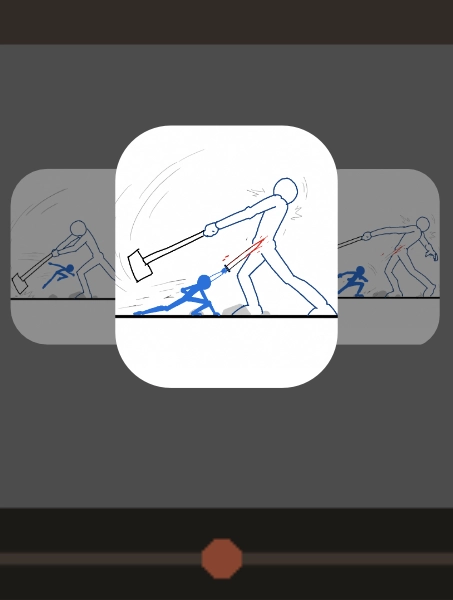
Sometimes you don’t need to press Play. You need to feel the drawings.
Sometimes you don’t need to press Play. You need to feel the drawings.
Rolling lets you quickly move back and forth through surrounding frames while you work.
Check a gesture. Compare volumes. Follow an arc. See whether a movement flows naturally from one drawing to another.
It’s the digital equivalent of flipping through your drawings — one of the simplest and most useful habits in traditional animation.
05
Reference Images
Keep what inspires your drawing right beside it.
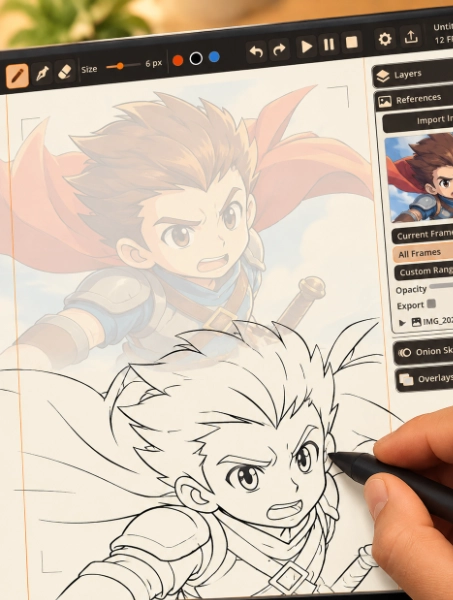
Import character sheets, poses, backgrounds, photographs or any visual reference you need directly into your AnimToon workspace.
Move, scale and rotate your references, adjust their opacity and decide when they should appear.
Your references are there when you need them and can stay out of the finished animation when you don’t.
06
Organize Your Drawings with Layers
Keep each part of your drawing where it belongs.
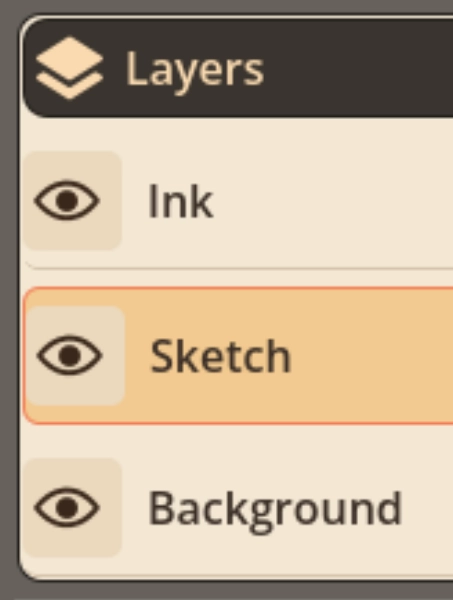
Separate sketches, clean lines and backgrounds into dedicated layers while keeping every frame easy to work with.
Show or hide what you need, switch between layers as you draw and keep rough construction lines separate from finished artwork.
A cleaner workspace makes it easier to focus on the animation.
07
Work Across Compatible Devices
Your project can move with you..
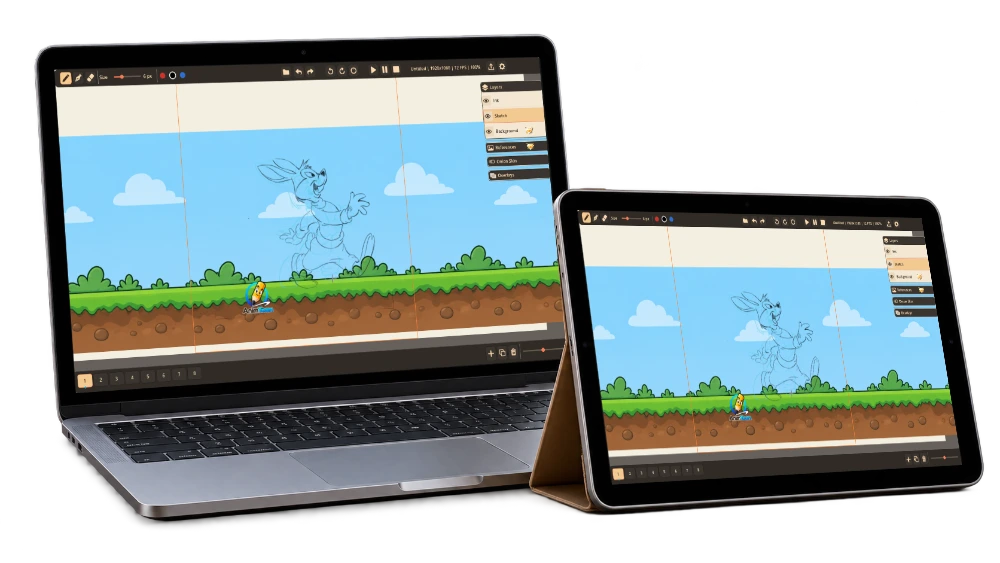
AnimToon project files can be opened across compatible devices, letting you continue the same animation from your computer or tablet.
Sketch on your tablet. Refine your poses at your desk. Keep working wherever it makes sense.
Same project. Different devices.
Pick up where you left off — wherever you create.
Create. Animate. Anywhere.


08
Create for Any Screen
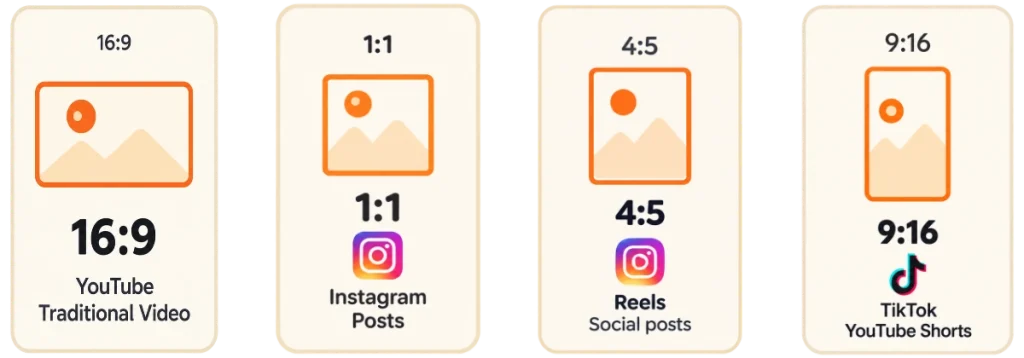
Landscape, square or vertical — compose for where your animation will be seen.
Work with formats and composition guides designed for traditional video and modern social platforms.
Create in 16:9, 1:1, 4:5 or 9:16 and preview your composition while you draw.
From animation shorts to TikTok, Reels and YouTube Shorts, your canvas can match the final destination from the start
09
Export Your Animation
You drew it. You animated it. Now let it leave the canvas.
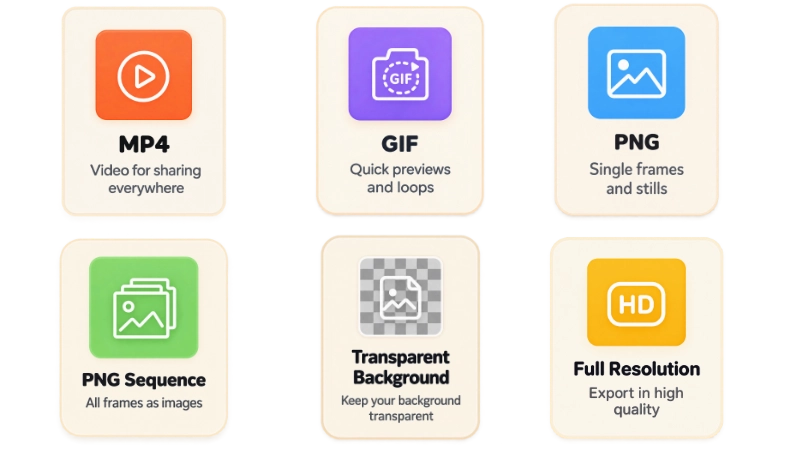
Turn your drawings into something you can watch, share, edit or continue working with elsewhere.
Depending on your platform and AnimToon edition, export your animation as video, GIF, PNG or PNG image sequences, with advanced options including transparent backgrounds and full-resolution output.
From a quick animation test to a finished sequence, your drawings aren’t trapped inside AnimToon.
10
Simple on the Surface. Engineered Underneath.
A simple animation tool still has to handle real animation projects.
Behind AnimToon’s focused interface is an engine designed to manage drawings and frames efficiently as your animation grows.
The technical work stays underneath, so your attention stays where it belongs:
your drawings, your frames and your animation.
Less waiting. More drawing.
Ready to Make Something Move?
A bouncing ball. A blinking eye. A waving hand. A character you’ve been drawing for years.
Every animation starts with one drawing.
Draw the next.
No subscription required.